
My job is simple and sophisticated, so it is possible to describe and simple, and flowery language. I love the feel and sophistication of its superiority. I like people with a keen mind and at the same time easy to talk to. These qualities can be combined perfectly natural. However, things like people look miserable, if these properties are connected to them artificially.
Introduction
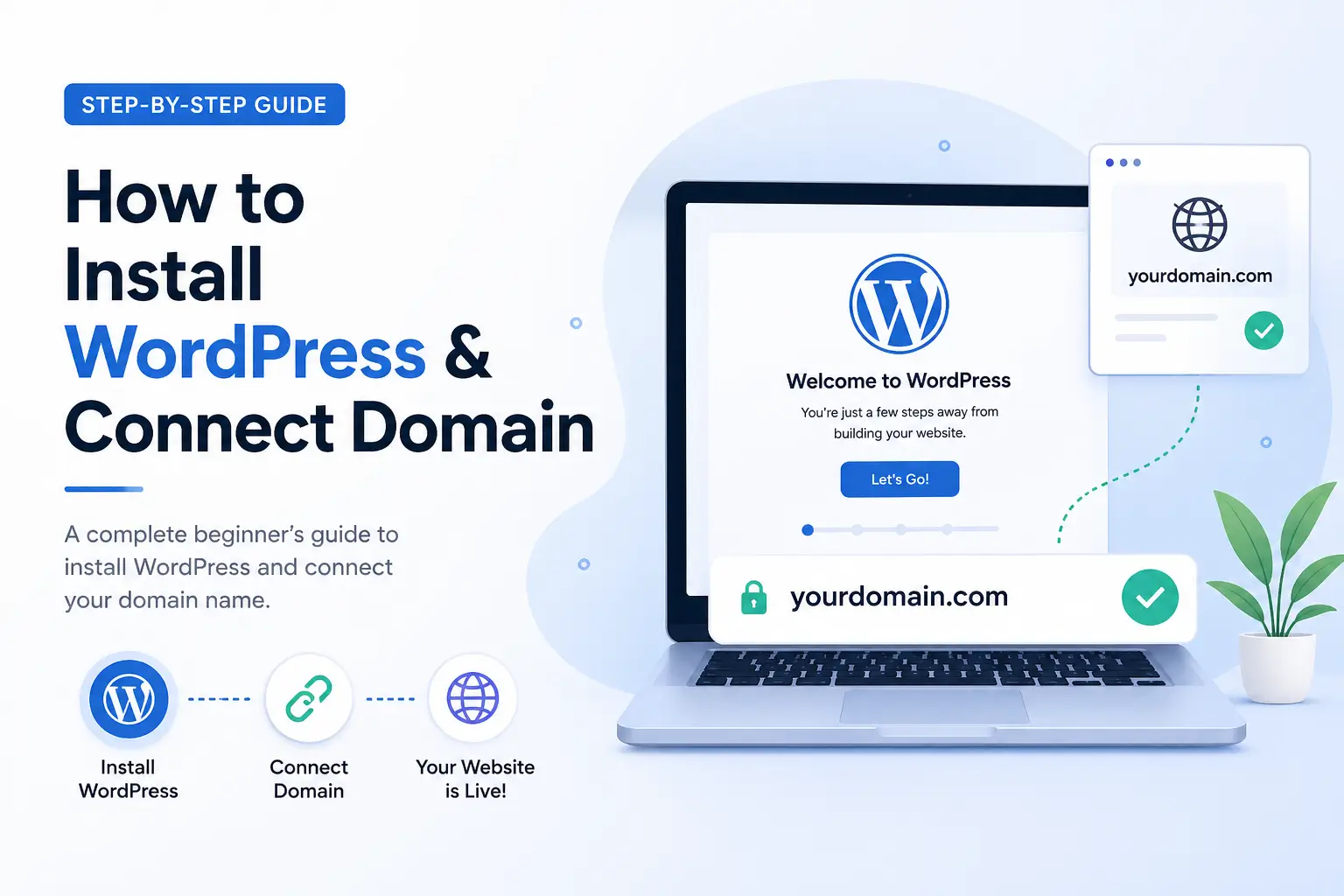
After buying hosting and domain, the next step is to install WordPress. WordPress is a system where you build your website easily without coding.
In this guide, you will learn how to install WordPress and connect your domain.
Step 1: Login to Hosting Panel
Go to Hostinger
Login to your account
Open Hosting Dashboard
You will see your domain and hosting details
Step 2: Install WordPress
Find Auto Installer
Click on WordPress
Fill required details:
Website name
Admin email
Password
Click Install
WordPress will install automatically
Step 3: Connect Your Domain
- Make sure domain is selected
- If not, choose your domain from list
- Save settings
Now your WordPress is linked with domain
Step 4: Login to WordPress Dashboard
- Open:
yourdomain.com/wp-admin- Enter:
- Username
- Password
You will enter WordPress dashboard
Step 5: Basic Setup (Important)
Now do basic setup:
- Select theme
- Install essential plugins
- Set site title
Your website is now ready to design
Need Help?
Watch video tutorial